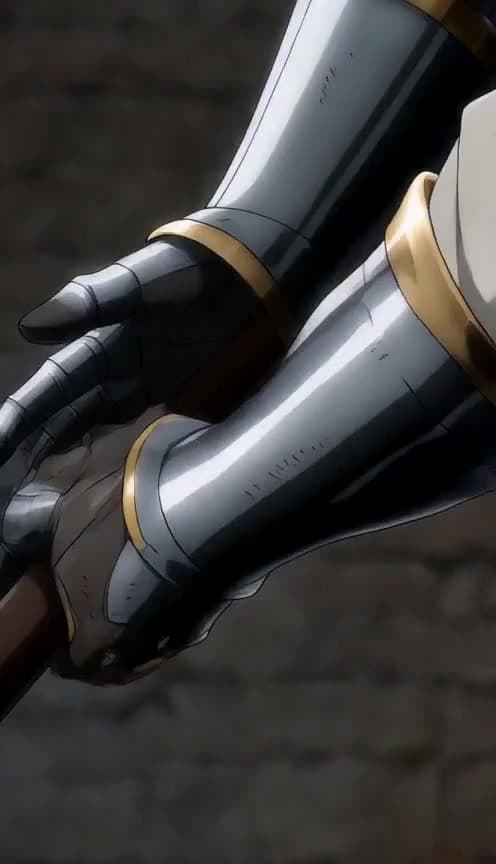
Chibi sprite AI videos feature oversized heads, tiny bodies, and expressive loops perfect for reaction content and gaming edits.
Chibi vs full anime
Chibi compresses emotion into fewer pixels — faster reads on mobile and stronger meme potential.
What you need
- A Vidkraftr account
- One clear scene prompt with subject, action, and format
- 9:16 vertical output for TikTok, Reels, and Shorts
Step 1 — Open Chibi Sprite
Go to Chibi Sprite in Vidkraftr Apps. This workflow is tuned for chibi sprite ai video generator — one prompt, one-click generation.
Step 2 — Write your prompt
Describe characters, setting, camera, and payoff. Example:
Chibi sprite character rage-quits a video game, exaggerated sweat drops, bouncy idle animation, pastel room, 9:16 vertical.
Step 3 — Generate and iterate
Hit Generate, review motion and composition, then tweak one variable per retry. Shorter clips iterate faster and cost fewer credits.
Step 4 — Post with a hook
Lead with the visual hook in frame one. Add on-screen text for context. Series formats ("Part 1", "Part 2") boost return viewers when you reuse the same cast in Characters.
Credit costs
Generations start around 175 credits depending on duration and model. See Pricing for plans.
FAQ
What is a chibi sprite ai video generator?
A tool that generates vertical short-form videos from text prompts — no traditional editing software required. Vidkraftr apps are tuned for TikTok and Reels.
Can I use reference images?
Yes — upload references on most video apps and in Create Video for image-to-video workflows.
Best clip length for TikTok?
8–15 seconds for single hooks; chain scenes in Viral Studio for longer arcs.