World Cup 2026 content is dominating short-form feeds — especially anime-style football highlights with overdramatic Japanese-style commentary (even when the audio is English subs). Creators combine stylized sports animation with Seedance 2 motion and one-click trend apps on Vidkraftr. Here is the full workflow.
Why anime football + Japanese dub is trending
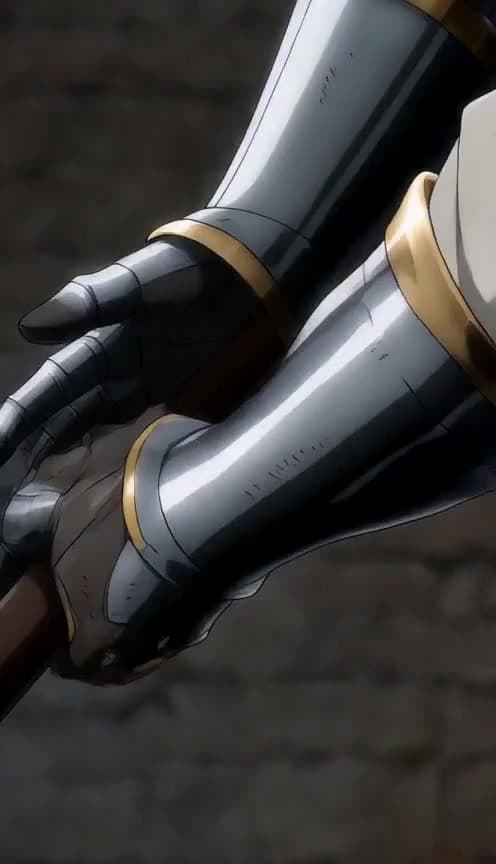
The format stacks three algorithm signals: (1) World Cup 2026 timeliness, (2) anime sports aesthetics familiar from highlight reels, (3) commentary that feels like a Japanese broadcast hyper-dub. You do not need a full anime pipeline — AI video generators plus tight prompts get 80% of the look in minutes.
Top-performing clips usually show: slow-mo strike, shock reaction, crowd erupting, then a deadpan or over-the-top line of commentary text on screen.
Step 1 — Generate the anime sports base clip
Open Sports Anime on Vidkraftr. This app is tuned for dramatic sports-anime highlight energy — power moments, speed lines, and championship framing in 9:16 vertical.
Sports anime highlight: a striker in blue kit scores a curling free kick in the 89th minute. Slow-motion impact, shockwave effect, crowd silhouettes, intense eyes, vertical 9:16, World Cup stadium energy.
Generate several variants and pick the strongest 5–8 second hero moment.
Step 2 — Upgrade motion with Seedance 2.0
For smoother camera motion and more cinematic physics, take your best still or short clip into Create Video and select Seedance 2.0. Prompt for continuous motion — tracking shot, ball trail, hair and kit fabric movement.
Seedance 2.0: cinematic tracking shot following anime-style football striker celebrating a World Cup goal, stadium lights, confetti, 9:16 vertical, broadcast slow motion.
Seedance 2.0 is ideal for the ai video generator with seedance 2.0 workflow creators search for when they outgrow one-click templates.
Step 3 — Add Japanese dub energy (without a full VO pipeline)
You do not need native Japanese audio on day one. Most viral posts use:
- On-screen commentary text in English with anime-style typography
- Short Japanese phrase overlays (goal, sugoi, etc.) for aesthetic
- Trending J-pop or stadium audio from the platform library after export
Advanced: generate a voice line separately and sync in CapCut — keep clips under 12 seconds for retention.
Step 4 — World Cup fan cam variants
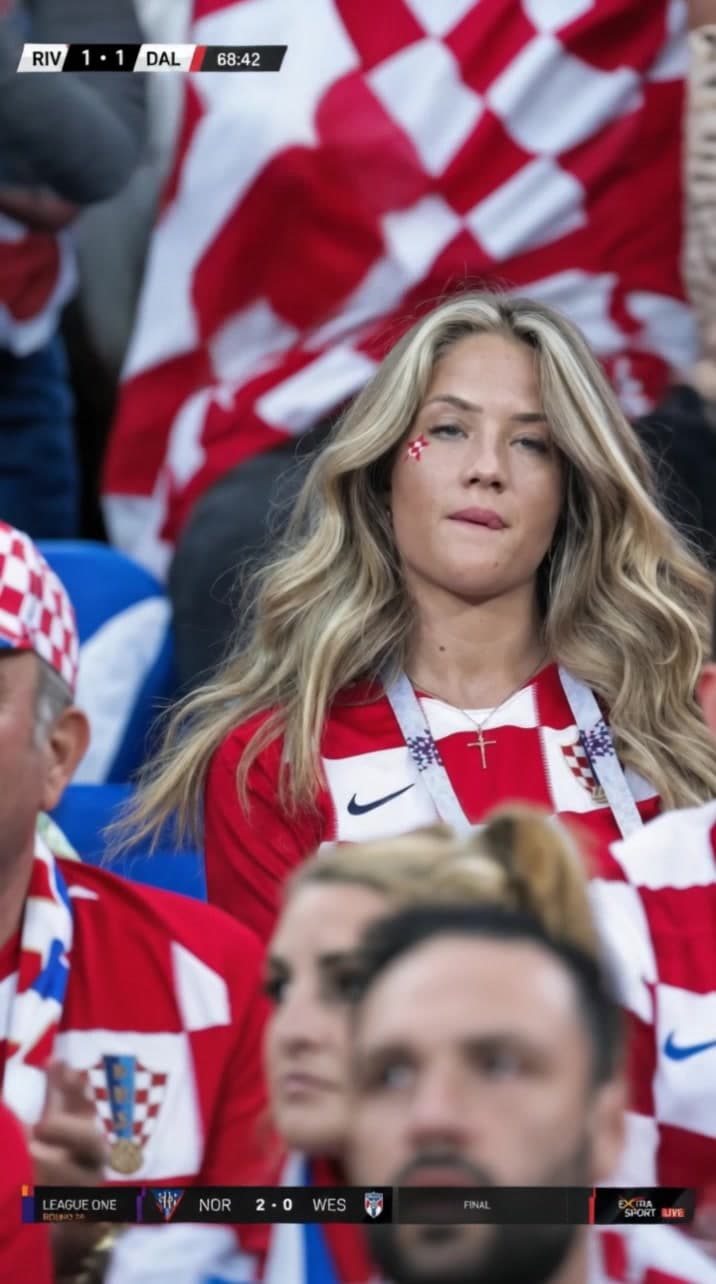
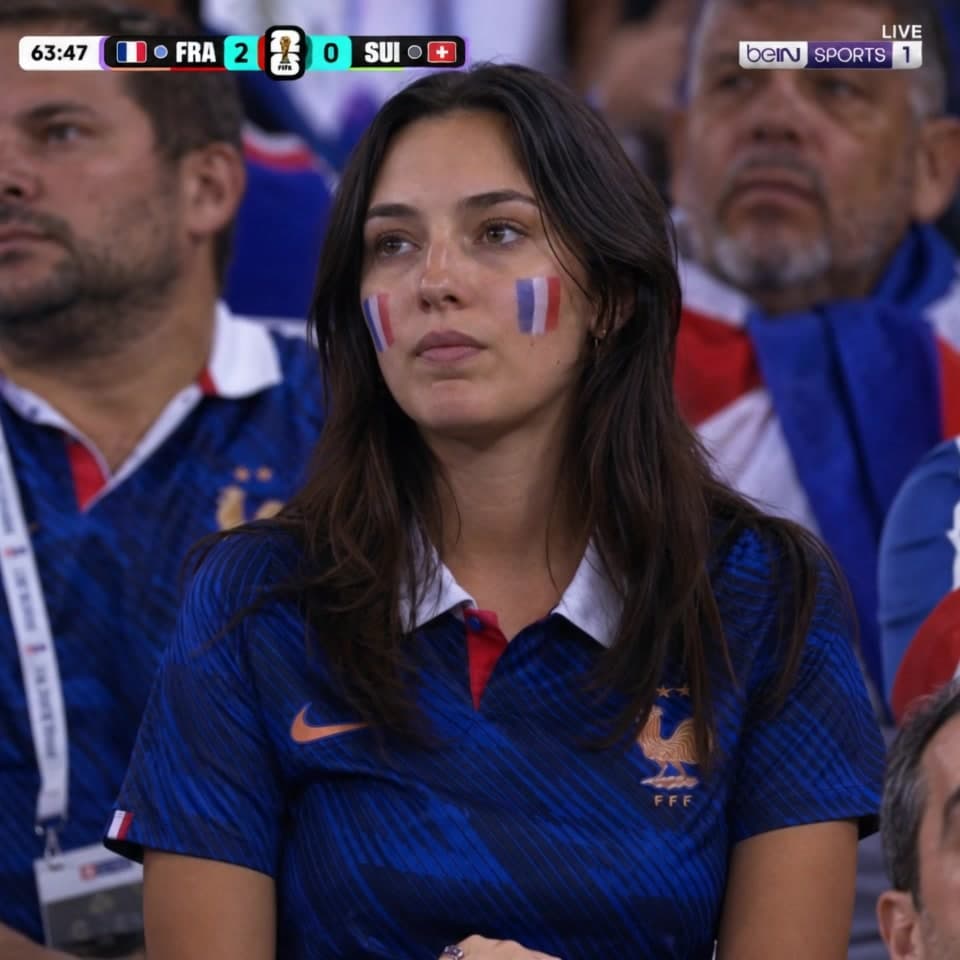
Pair anime highlights with POV fan reactions using Fancam Soccer or country-specific World Cup Fan Cam: Japan, France, and Brasil apps. Cut between goal clip and crowd POV for comment bait ("Which nation reacts harder?").
Posting checklist for World Cup 2026
- Hook in 0.5s — ball hitting net or player face close-up
- Text overlay with stakes ("90+3", "Round of 16", etc.)
- Hashtags: #WorldCup2026 #FootballTok #AnimeSports
- Post within 2 hours of real matches when possible — timeliness wins
Save recurring players in Characters to keep the same striker across a tournament series.
FAQ
Which Vidkraftr model is best for anime football?
Start with Sports Anime for stylized highlights, then refine motion in Create Video with Seedance 2.0.
Do I need Japanese language skills?
No — most creators use English commentary text with Japanese aesthetic overlays and platform audio.
Can I use real player names?
Follow platform rules and local publicity rights. Many creators use stylized fictional players inspired by real moments.