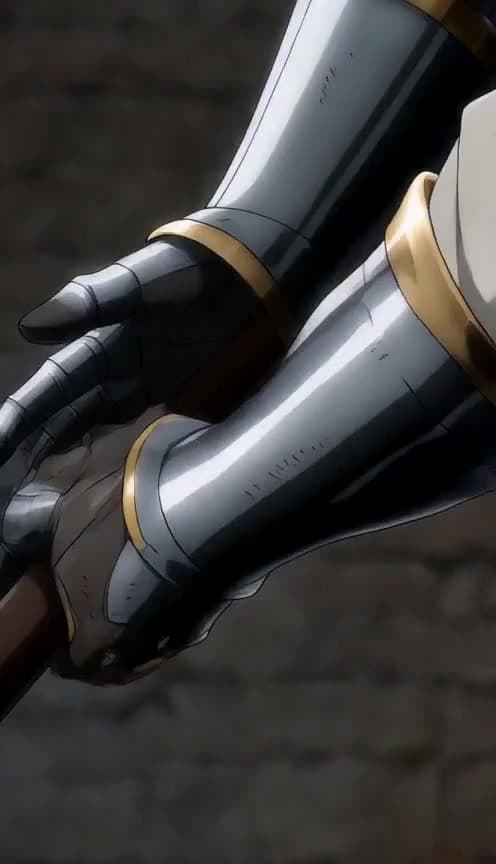
AI ASMR cutting videos deliver macro slices through glossy food and objects — a sibling trend to glass ASMR with warmer textures.
Cutting vs glass ASMR
Food cutting feels organic and cozy; glass leans futuristic. Both excel at looped satisfaction.
What you need
- A Vidkraftr account
- One clear scene prompt with subject, action, and format
- 9:16 vertical output for TikTok, Reels, and Shorts
Step 1 — Open ASMR Cutting
Go to ASMR Cutting in Vidkraftr Apps. This workflow is tuned for ai asmr cutting video generator — one prompt, one-click generation.
Step 2 — Write your prompt
Describe characters, setting, camera, and payoff. Example:
Macro ASMR knife slicing kiwi fruit, juice droplets, wooden board, soft studio light, 9:16 vertical satisfying cut.
Step 3 — Generate and iterate
Hit Generate, review motion and composition, then tweak one variable per retry. Shorter clips iterate faster and cost fewer credits.
Step 4 — Post with a hook
Lead with the visual hook in frame one. Add on-screen text for context. Series formats ("Part 1", "Part 2") boost return viewers when you reuse the same cast in Characters.
Credit costs
Generations start around 175 credits depending on duration and model. See Pricing for plans.
FAQ
What is a ai asmr cutting video generator?
A tool that generates vertical short-form videos from text prompts — no traditional editing software required. Vidkraftr apps are tuned for TikTok and Reels.
Can I use reference images?
Yes — upload references on most video apps and in Create Video for image-to-video workflows.
Best clip length for TikTok?
8–15 seconds for single hooks; chain scenes in Viral Studio for longer arcs.